
Loading .fx files
ImportantThis feature is experimental and in development.
While many
.fxgames and programs already work correctly, many also exhibit visual bugs and even crashes.
The other way to run WW programs via swanshell is by direct .fx loading - simply extract a WW program onto the FAT file system and run it!
Pros:
- This mode is the most convenient to use.
- Neither FreyaBIOS nor FreyaOS are required - no cartridge backups necessary!
Cons:
- A few more niche features are not yet implemented, such as:
- Multi-process support (ProcIL)
- Software compatibility is currently slightly lower than the cartridge image method.
As an example, the open source game PutiPati by ABA Games will be used.
Create a separate directory1 for your WW program. Extract all the files required by the program to this directory.
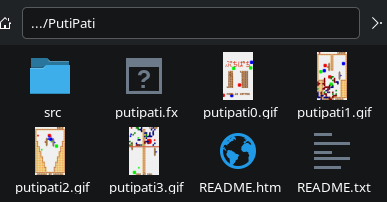
Next, launch swanshell and navigate to the directory created in the previous step.
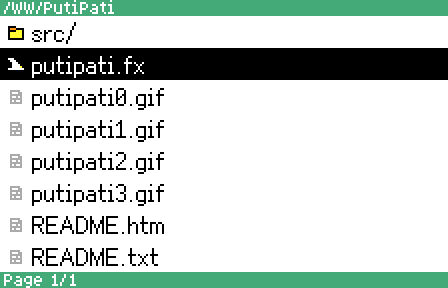
Select the game’s main .fx file, then press A. Enjoy!
SoundIL is a library for playing music and sound bundled with the WonderWitch. While it is proprietary, games were allowed to redistribute it as part of their files - as such, you can find it pretty easily by searching for sound102.il. Place this file alongside the .fx of the game you wish to launch.
-
All files in the directory being launched are added to the emulated ROM, which can quickly go past the 640 KiB limit. ↩︎