
Settings
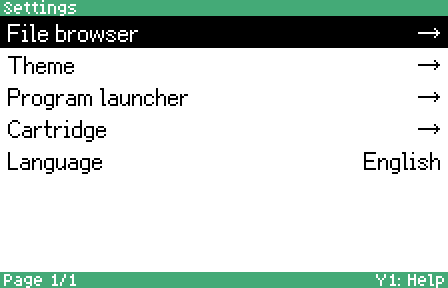
You can use the settings view to configure swanshell’s functionality.
This section configures the display of files.
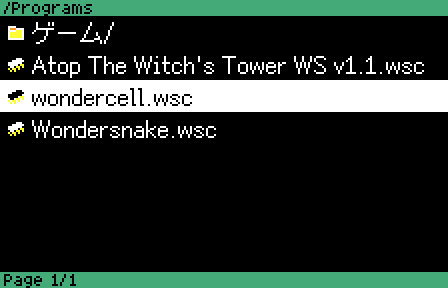
- View: Choose between Large list (large font) and Small list (small font).
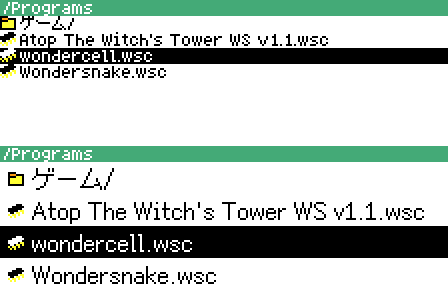
- File order: Choose the sorting order of files and directories (by name, by date, or by size).
- Show hidden files: Toggle whether files with the “hidden” attribute are visible or hidden on the file list.
- Hide icons: Toggle whether icons to the left of each file are visible or hidden.
This section configures visuals.
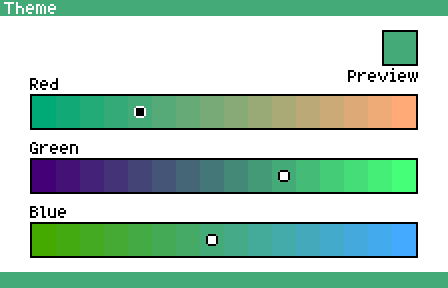
- Dark mode: Enable or disable dark mode.
- Accent color: Select the main accent color of the theme.
This section configures input controls.
- Repeat delay: The delay, in milliseconds, between the press of a button and its first repeat.
- Repeat rate: The rate, in milliseconds, of subsequent button press repeats.
This section configures the on-cartridge hardware.
-
MCU communication speed: Configure the maximum speed of communicating with the onboard microcontroller. Affects the speed of XMODEM transfers.
-
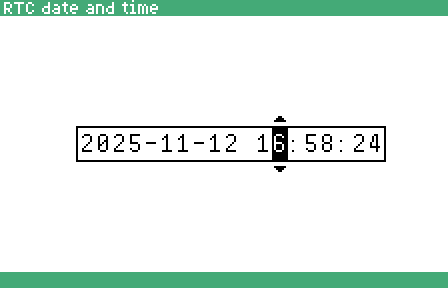
RTC date and time: Set the date and time of the onboard real-time clock.
This option allows choosing the menu interface’s language. Supported languages include English and Polish.